Maintenance from real history. Estimates audited against your own prices and goals. A presentation that writes itself from the ticket, and job notes that land on the right jobs. One click each, right on the repair order.
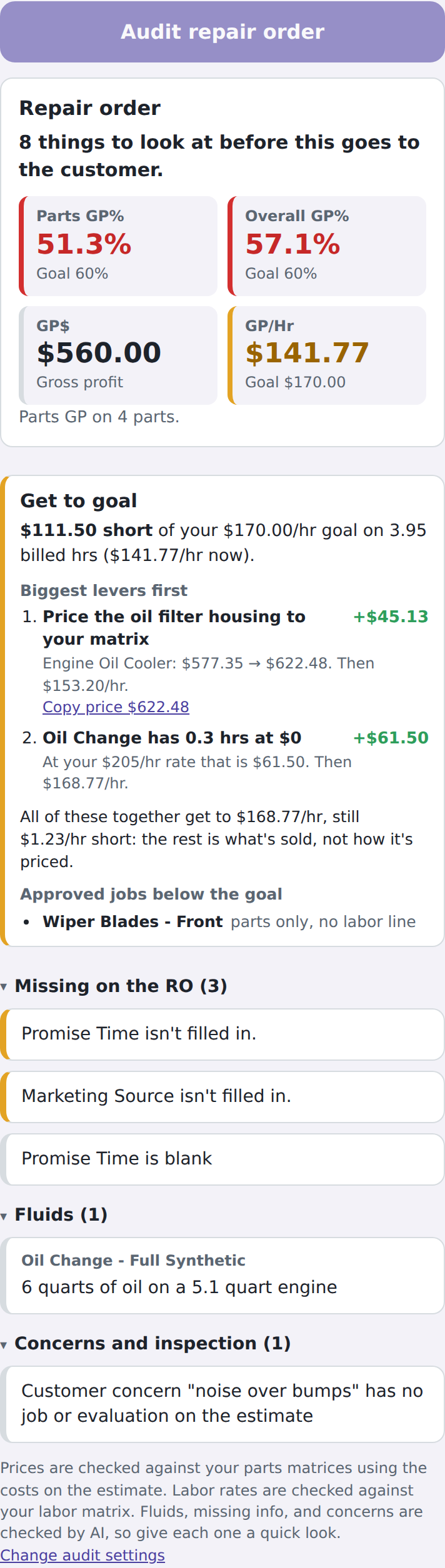
The maintenance check reads the vehicle's Job History and Carfax, matches it to your intervals, and shows what's overdue, due soon, and already on the RO.
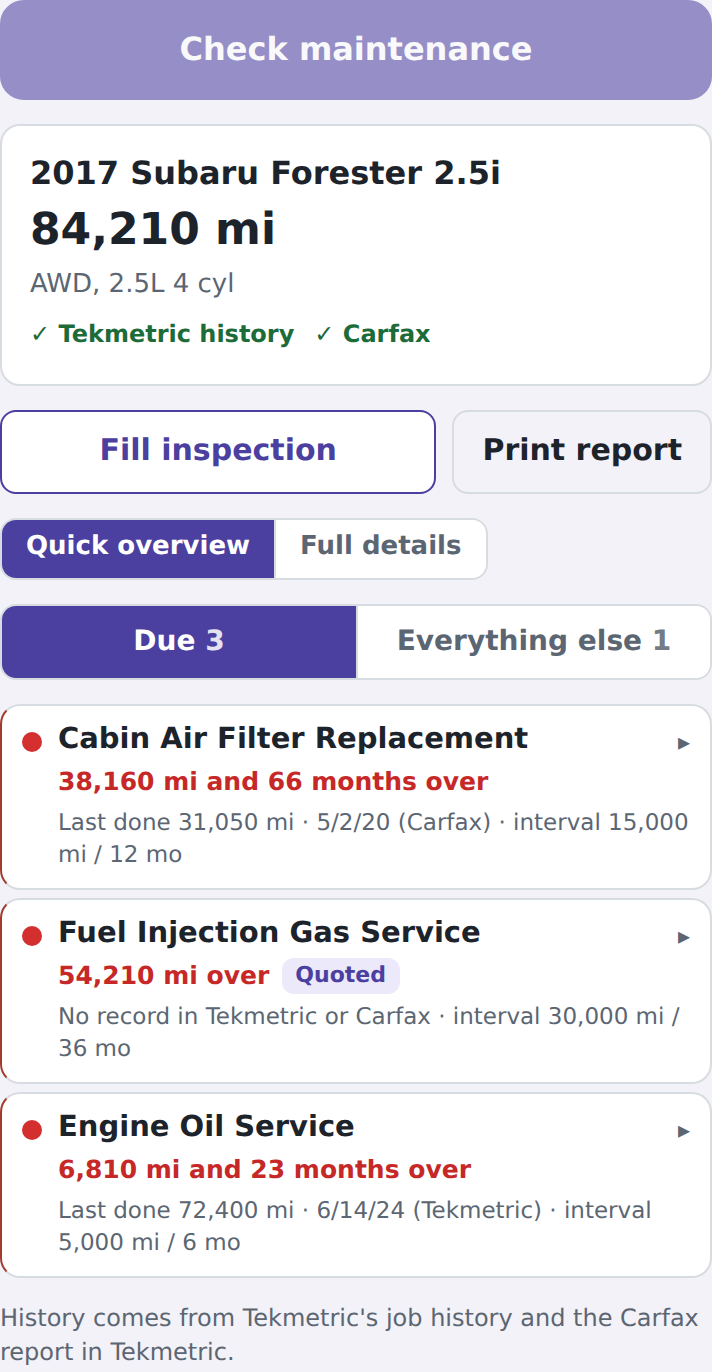
Parts priced to your matrices, labor rates against your matrix, fluids, missing fields, concerns, and warranty comebacks. Prices come back instantly.
Why they came in first, then by priority, with subtotals. "If it waits" and "Say it" for every job, written from what the technician actually found.

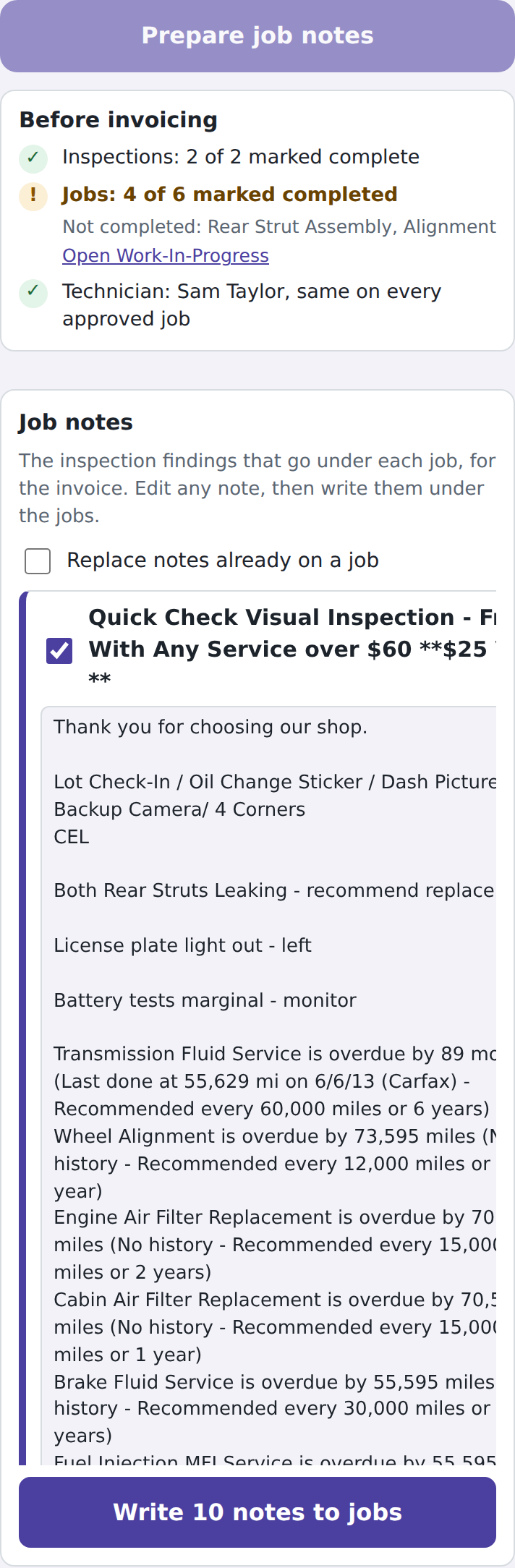
Finalize puts each inspection finding on the job it's about, strips labor times, and checks what's still open before you invoice.
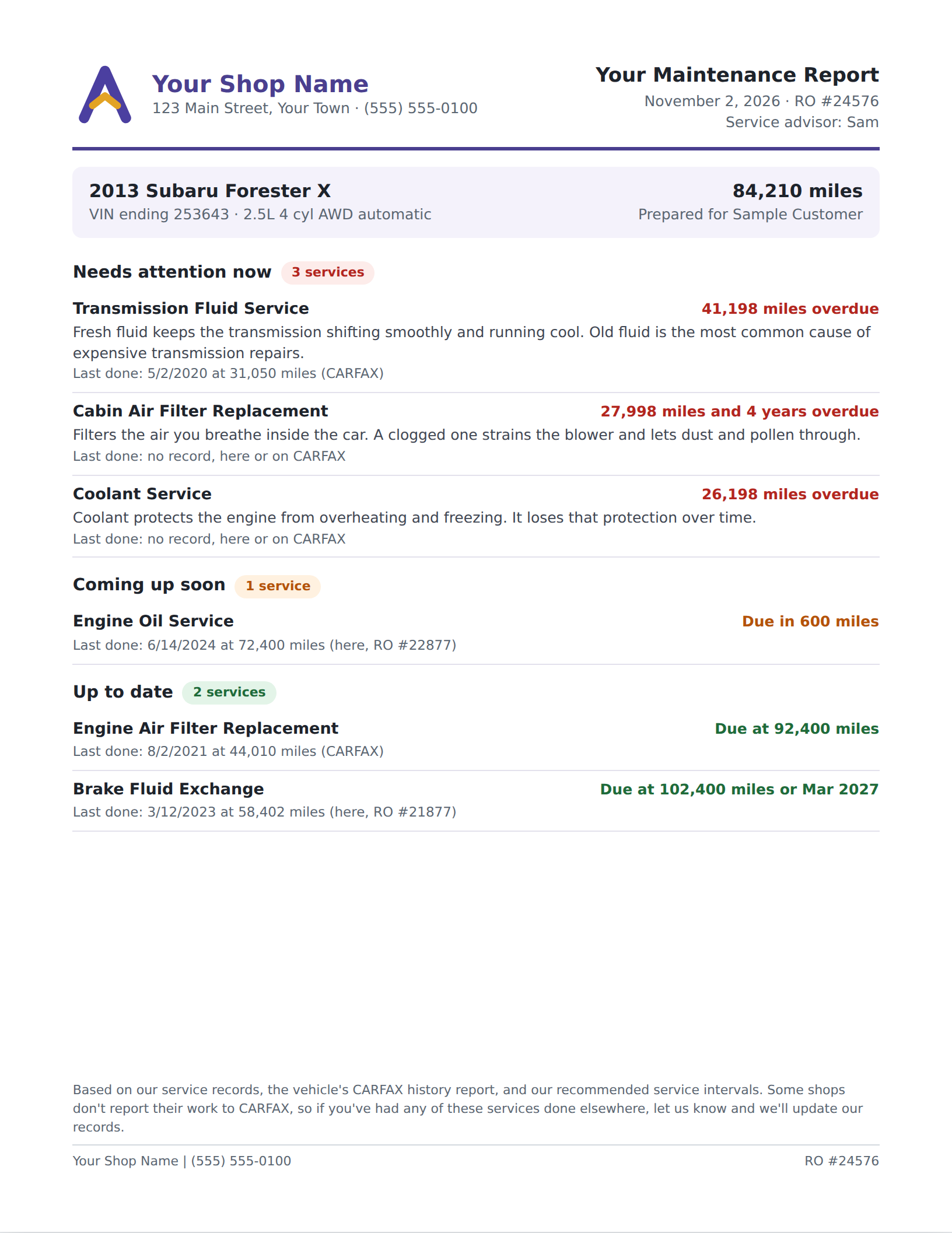
Your logo, the vehicle, and every service grouped by urgency with a plain-language reason and when it was last done. Print or save as PDF.
The Toolbox doesn't need to find much to cover its cost. Here's the kind of thing it finds on an ordinary day.
The oil filter housing priced on the wrong matrix: $45 short on one line, caught before the estimate went out.
A transmission service 41,000 miles overdue with no history anywhere, surfaced with the canned job one tap away.
A repair redone inside its warranty, flagged before the customer was charged twice.
Examples from real repair orders at the shop that built the Toolbox, with customer details removed.
Each one reads the repair order you're on and gives you something to act on in seconds.
History, Carfax, your intervals. Overdue, due soon, on the RO.
Prices, rates, fluids, fields, concerns, warranty, and Get to goal.
Photos and notes reviewed line by line, with markup guidance.
Ordered, grouped, subtotaled, with the words for each job.
Tick what they approve; the total updates as you talk.
Notes on the right jobs and a Before invoicing check.
The right questions while you type the customer's concern.
Filled from the RO, printed with a QR code to your scheduler.
Every location, every team, every cost. On a phone too.
We built this on our own repair orders because nothing else checked the things we kept missing. Every rule in it came from a ticket where it would have saved us money or a phone call.
Only when you tell it to: adding a canned job, writing job notes, removing priority tags. Every change is shown first, and you click to make it.
Names, phones, emails, and addresses are stripped before anything leaves the browser. The tools work from the vehicle, mileage, and what's written on the ticket.
Prices, history, totals, and matching are done in code from your settings and the repair order. The AI is used only where judgment is needed, like photo notes and wording, and you see what it did.
An afternoon. A seven-step checklist walks you through intervals, canned jobs, parts matrices, labor rates, goals, and warranty terms, and the help pages explain every setting with an example.
Each shop has its own settings and team. The owner report shows them all, and works on a phone.
A 20-minute demo on a live ticket. Bring the one that got away.
Book a demo → Adapt Pro Toolbox